
Shows
The Shows page has four tabs:
- Tracked: the shows you track, when their next episode airs, and when you last grabbed or watched one.
- Calendar: new shows premiering this year. Track one straight from its poster.
- Library: every show in Plex, marked Completed, Caught up, or with how many aired episodes are missing.
- Find: search for a show and track it.
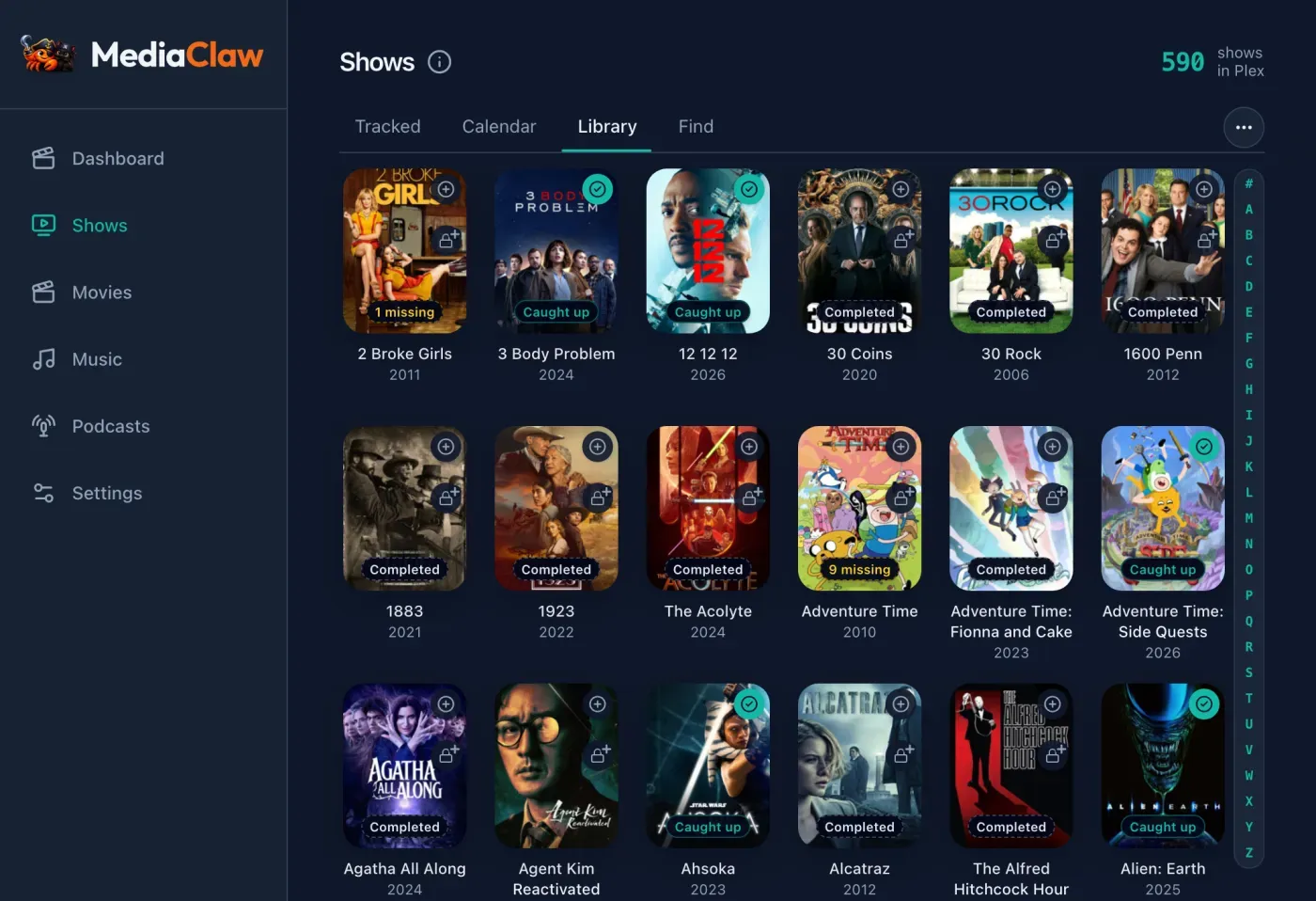
The Library tab: every show in Plex, and what each one is missing.
Tracking a show
Track a show and its new episodes download as they air, then land in Plex without you doing anything. Tracking looks forward: it doesn’t go back for older episodes. To pick up what aired recently, open the show’s … menu and choose Rescan feed history: MediaClaw checks the last 180 days of feed history for the show and lets you choose what to grab.
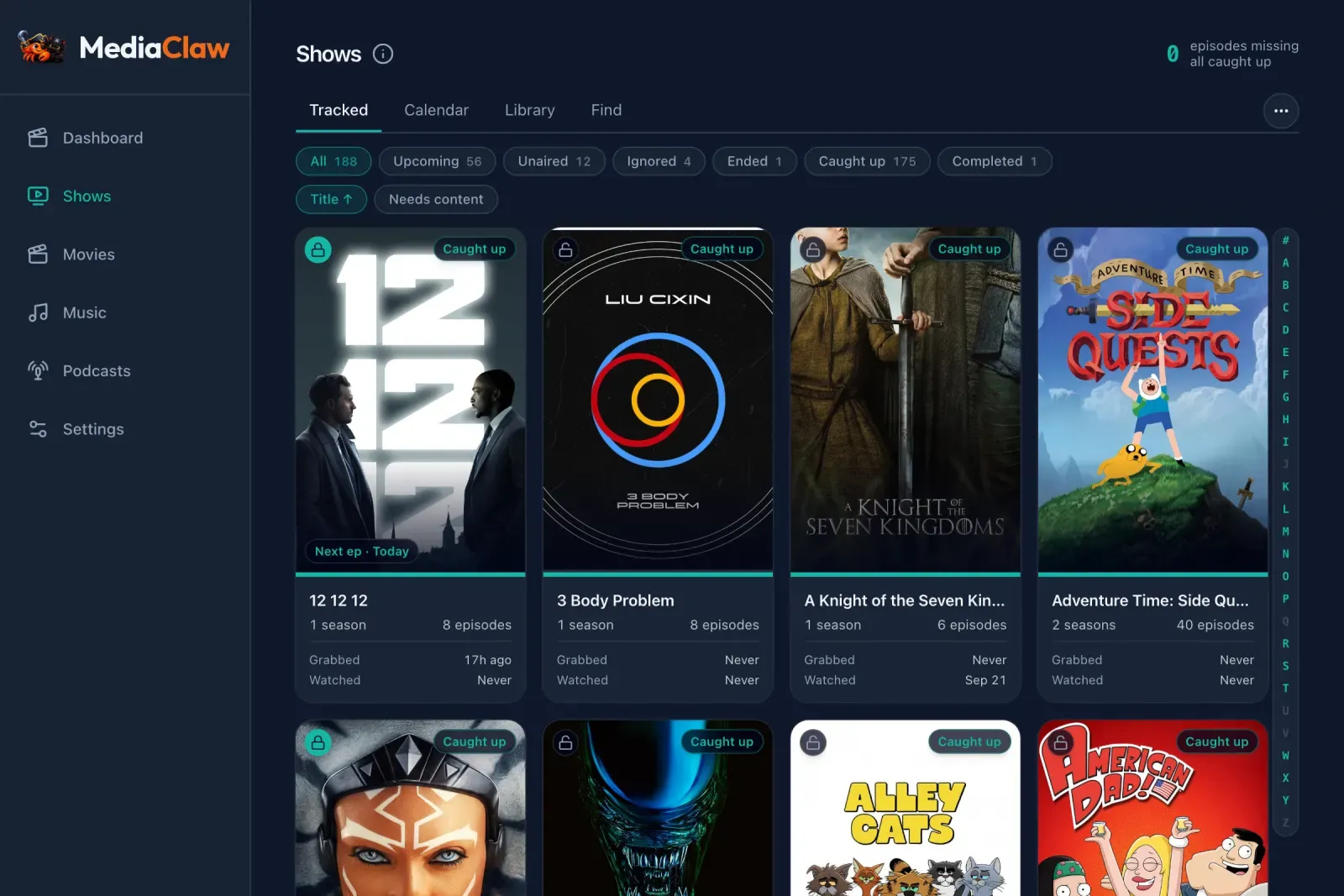
The Tracked tab: what airs next and what you grabbed last.
Strict only downloads releases with the show’s exact name, for shows whose name is easily confused with another. Add strict tracks a show with Strict on from the start; on the Tracked tab, the lock on a poster switches it.
Filling gaps
Plex doesn’t say how many episodes a season has, so a missing episode only shows up as a gap you happen to notice. MediaClaw counts them for you: the Library tab shows how many episodes each show is missing, and a tracked show’s page shows each season against what has aired.
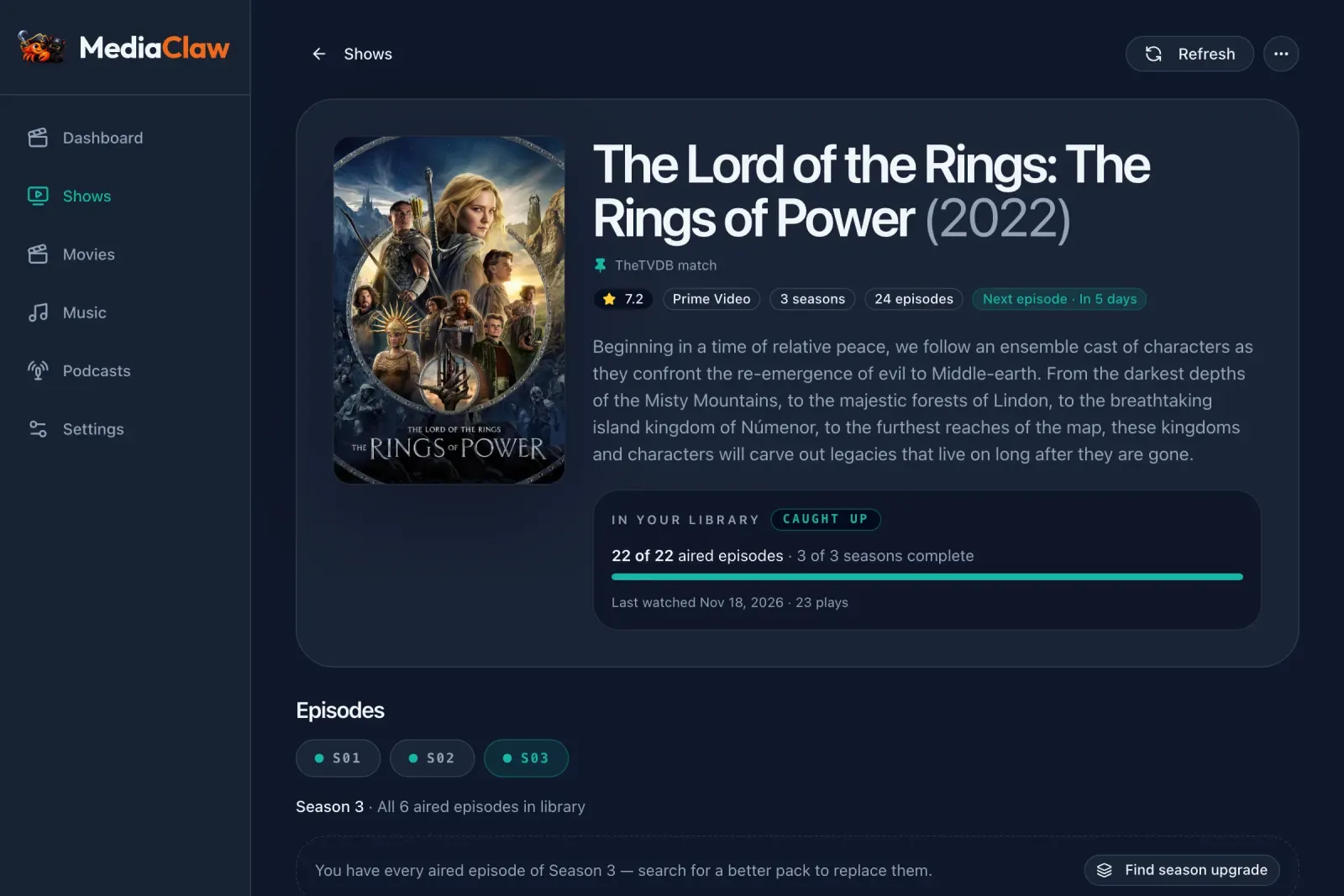
A show’s page counts each season against what has aired.
To fill a gap, open the show. For a whole season, pick it and choose Find season, then Search: Grab a season pack, or Trim it to keep only the episodes you need. For one episode, search from the episode itself. A season pack leaves out the episodes Plex already has.
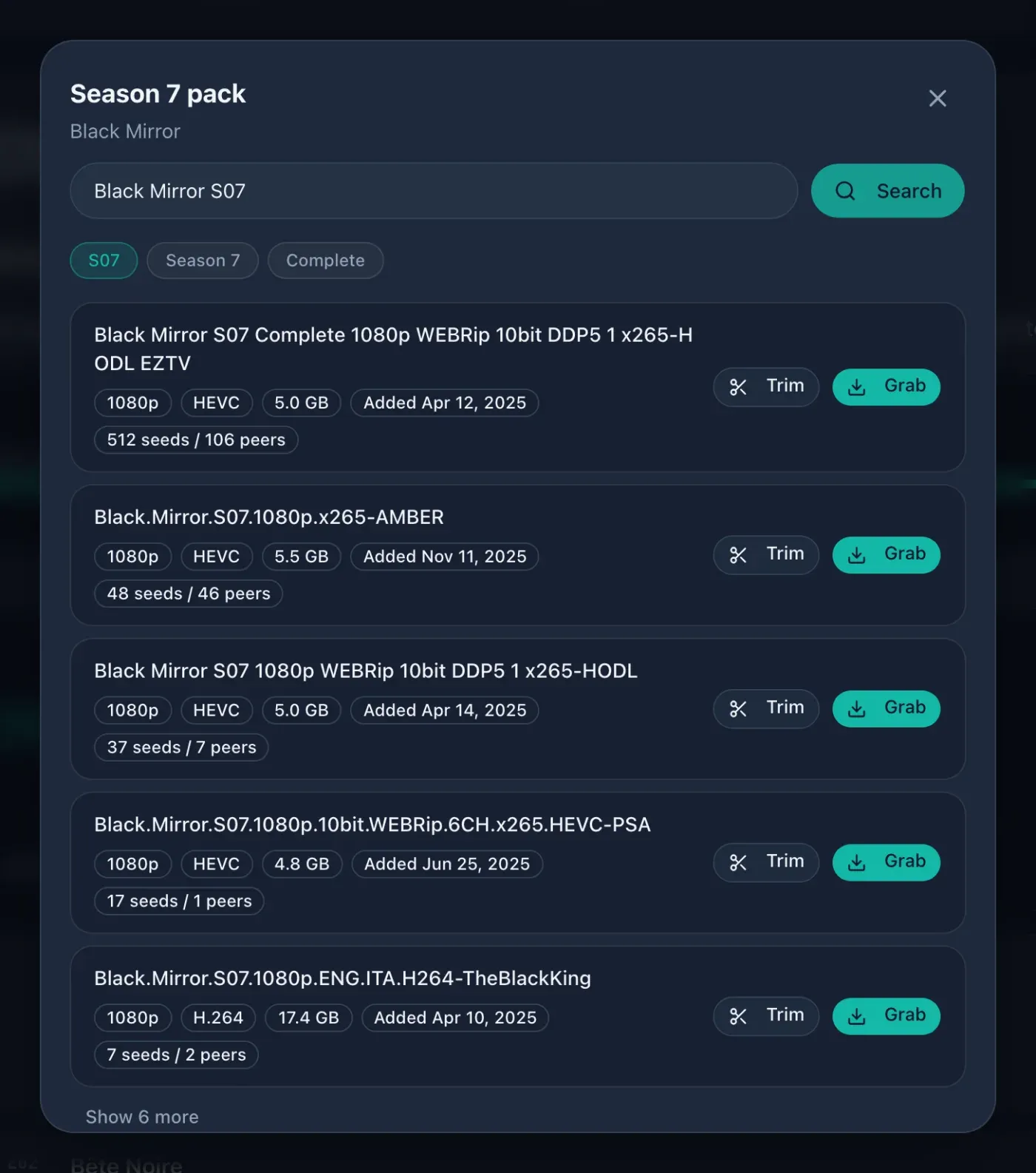
A season pack search.
The show’s … menu
- Rescan feed history: check the last 180 days of feeds for this show and choose what to grab.
- Ignore missing episodes: stop counting the episodes missing right now. They stay listed and grabbable, and episodes that air from today on still count.
- Strict matching: turn it on or off for this show.
When a download stalls
Downloads that stop moving are marked Stalled on the dashboard’s Downloads card. Remove them there (removing a stalled download deletes its partial files) and grab another release from the show’s page. The card’s settings say how long a download can sit still before it counts as stalled.