
Phone and iPad
MediaClaw includes a web app you can open from any phone, iPad or other computer: check a season from the couch, or start a download from anywhere.
- On your Mac, open MediaClaw’s menu bar menu and choose Open on Your Phone…. It opens the Remote access card in Settings.
- Scan the code with your phone’s camera, or type the address into its browser.
- Add the page to your Home Screen for an app-like experience.
There are two ways in:
- At home, on the same Wi-Fi. Other devices ask for a login. Set a username and password on the Remote access card first, then sign in once on each device; it stays signed in for a year.
- Anywhere, with Tailscale. If your Mac and your phone are both on your Tailscale network, you can reach MediaClaw from anywhere, with no login by default. You can turn that off on the same card if you want Tailscale devices to sign in too.
The Mac itself never asks for a login. Your Mac must be on and MediaClaw running.
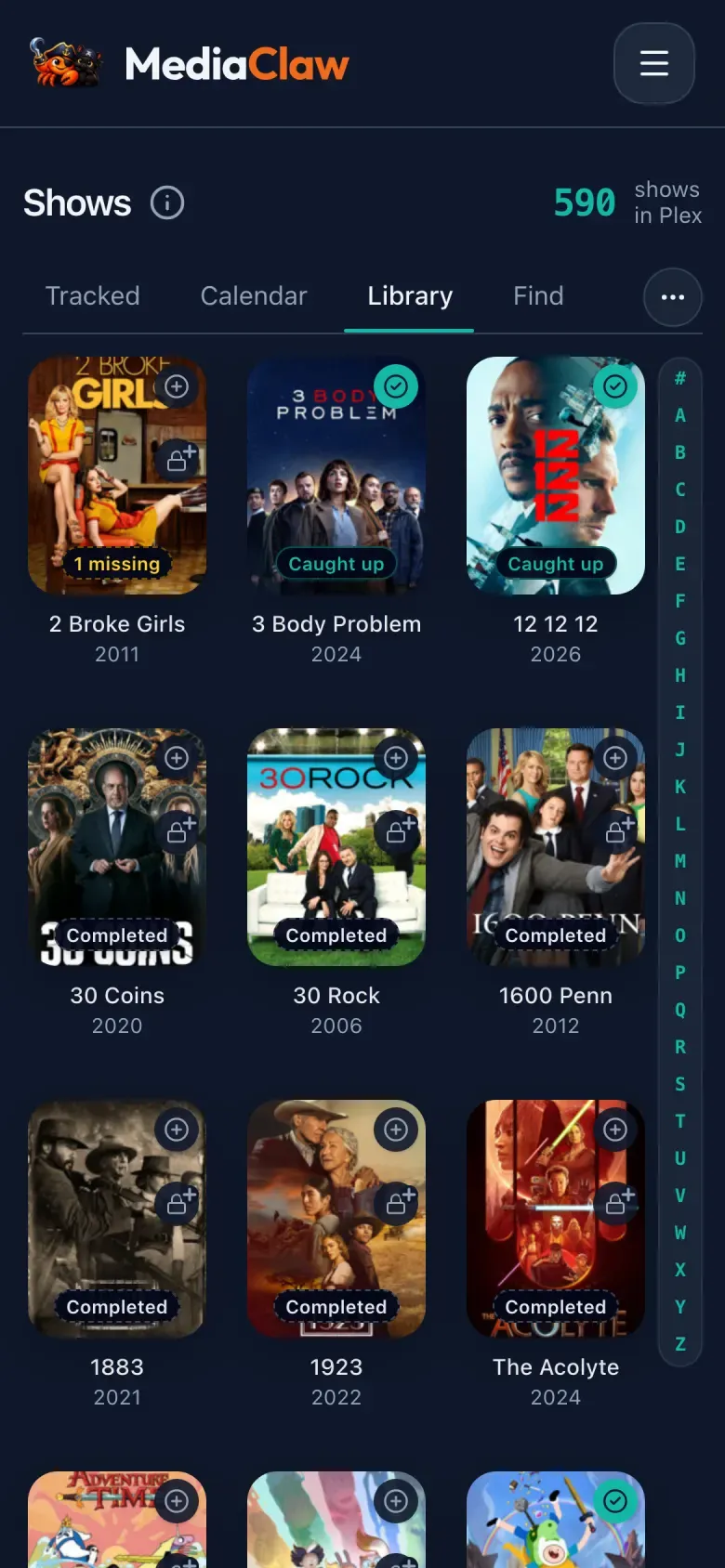
The same app on a phone.